How to use it
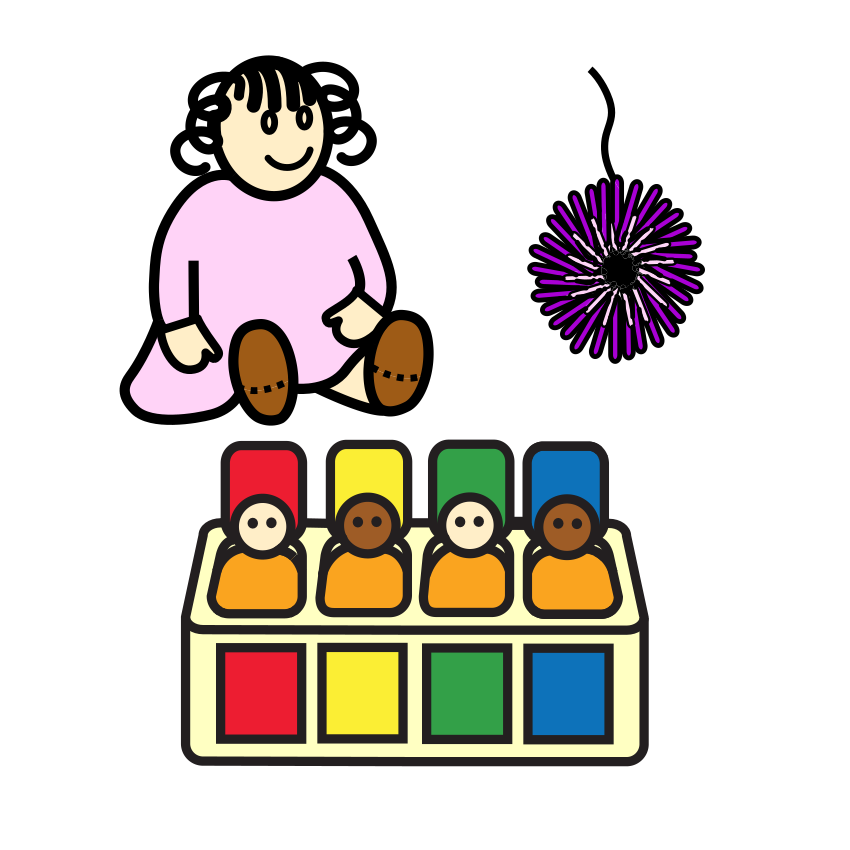
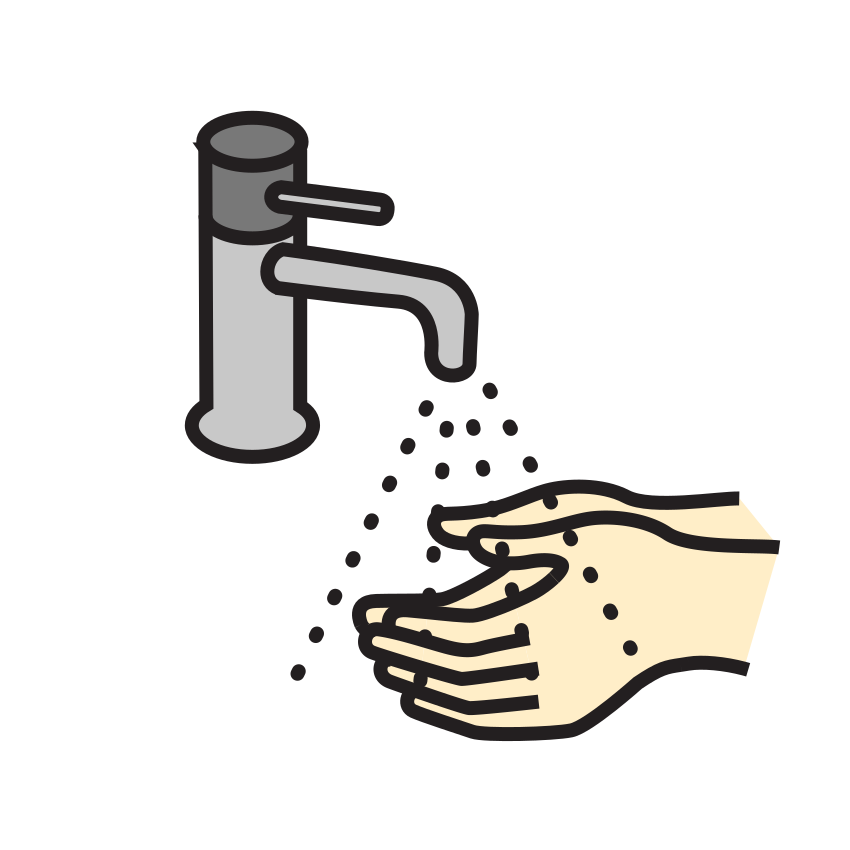
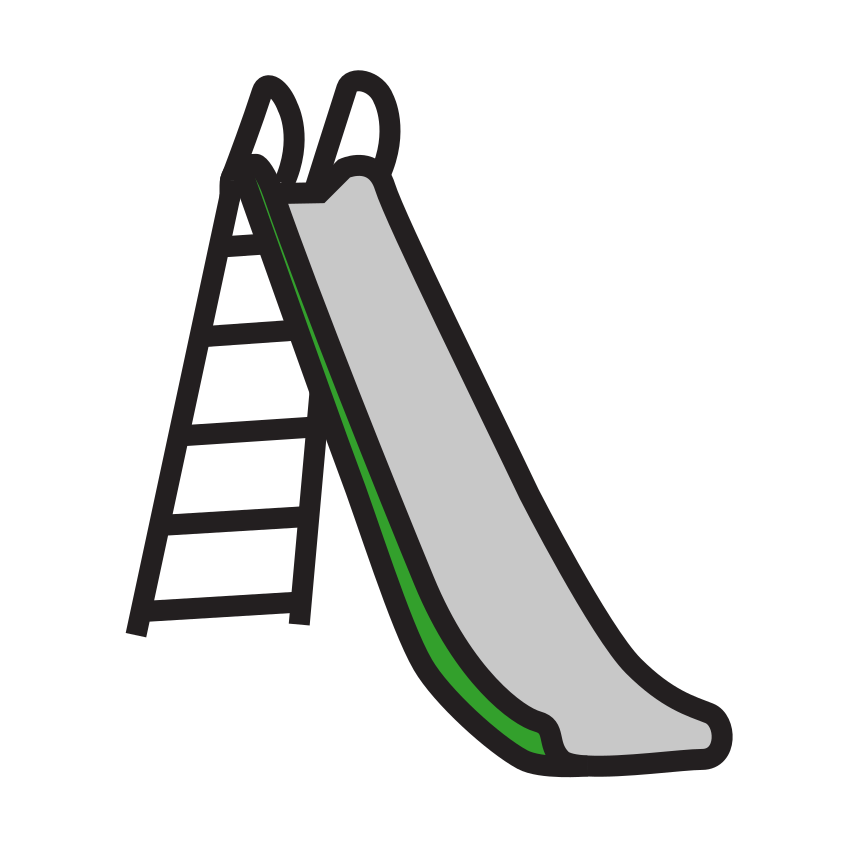
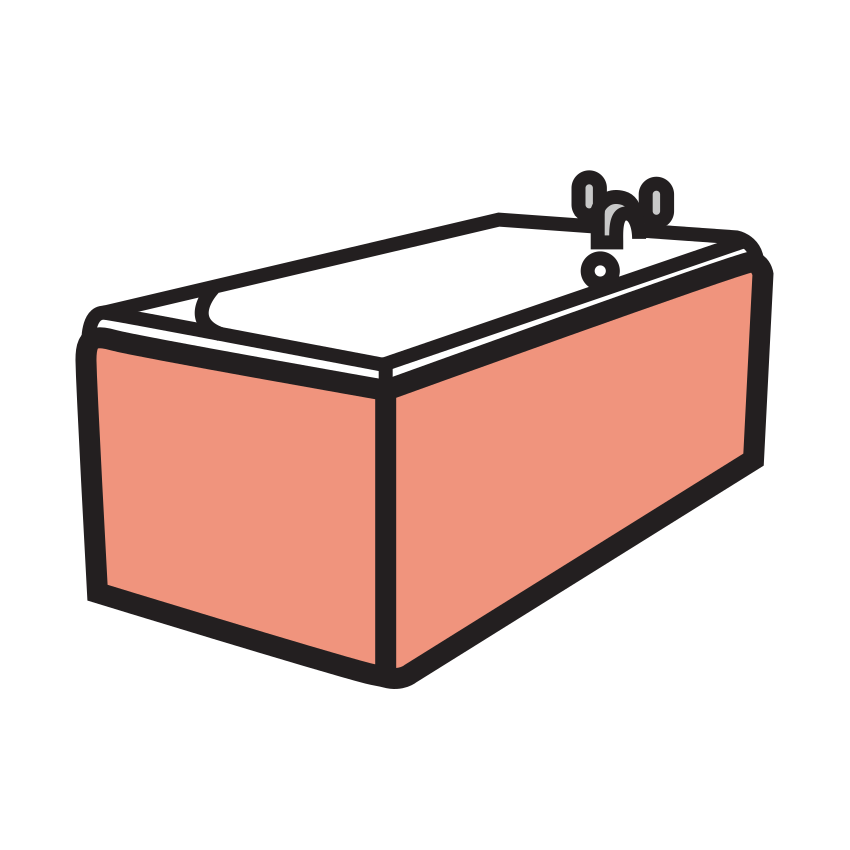
Pick how many minutes, or type your own. Choose what it’s for if you’d like a label over the timer.
Before you start, say what happens when the color is gone, like “When the red is gone, it’s bath time.”
Press Start or the space bar. Full screen makes it easy to see from across the room.
When the chime plays, follow through calmly with what you said would come next.
Questions parents ask
Does it keep time if I switch tabs or lock my phone?
Yes. It works out the time left from the clock instead of counting ticks, so it’s right whenever you look. In another tab the chime still plays on time. A locked phone may hold the sound until you unlock it, so the timer asks the screen to stay on while it runs, where the browser allows it.
Is there a sound when time is up?
Yes, a soft bell, made right in your browser. Turn it off with the Sound button. On an iPhone, the ring/silent switch can mute it too.
Can I use it full screen?
Yes. Press Full screen to show just the disk, the time and the buttons, as big as the screen allows. On phones that don’t offer full screen, it fills the browser window instead. Press Exit full screen or Escape to go back.
How does a visual timer help with transitions?
Many children find it easier to stop when they can see the end coming. A few minutes’ warning, with the time shrinking in front of them, makes the change feel less sudden. It works best when you use it the same way each time.
Do I need an app or an account?
No. It runs in the web browser on a phone, tablet or computer. Nothing you set is sent anywhere.
Read it with a story
This is a simple visual support for everyday routines, not a therapy or a treatment. If your child works with a teacher or therapist, they can tell you how it fits with what they already do. Picture symbols: Mulberry Symbols, CC BY-SA 4.0.