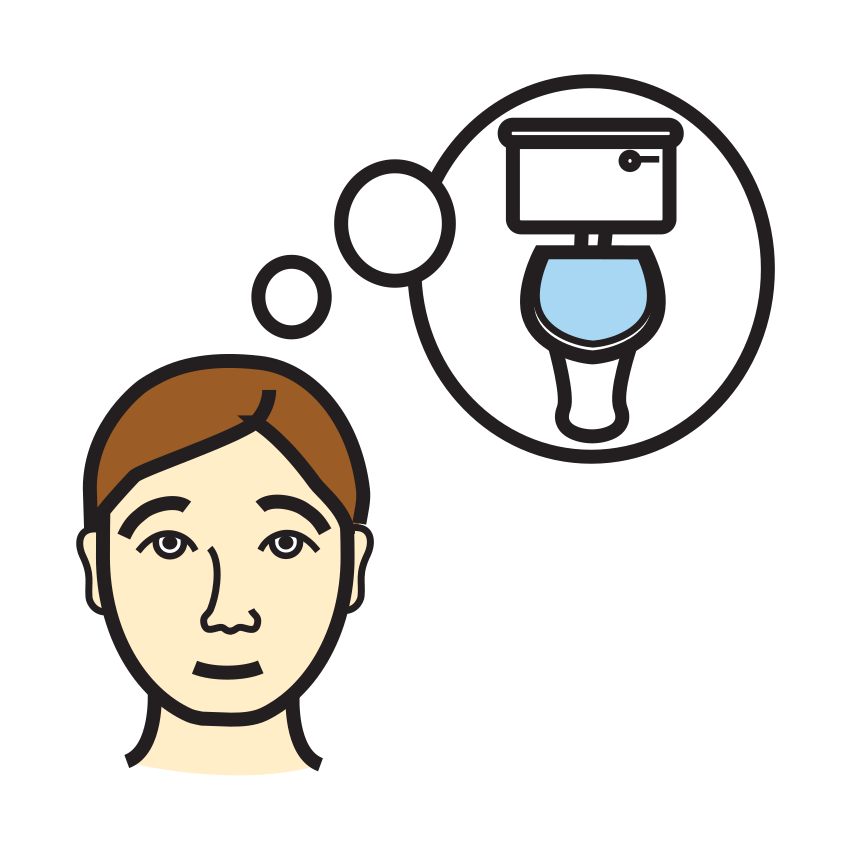
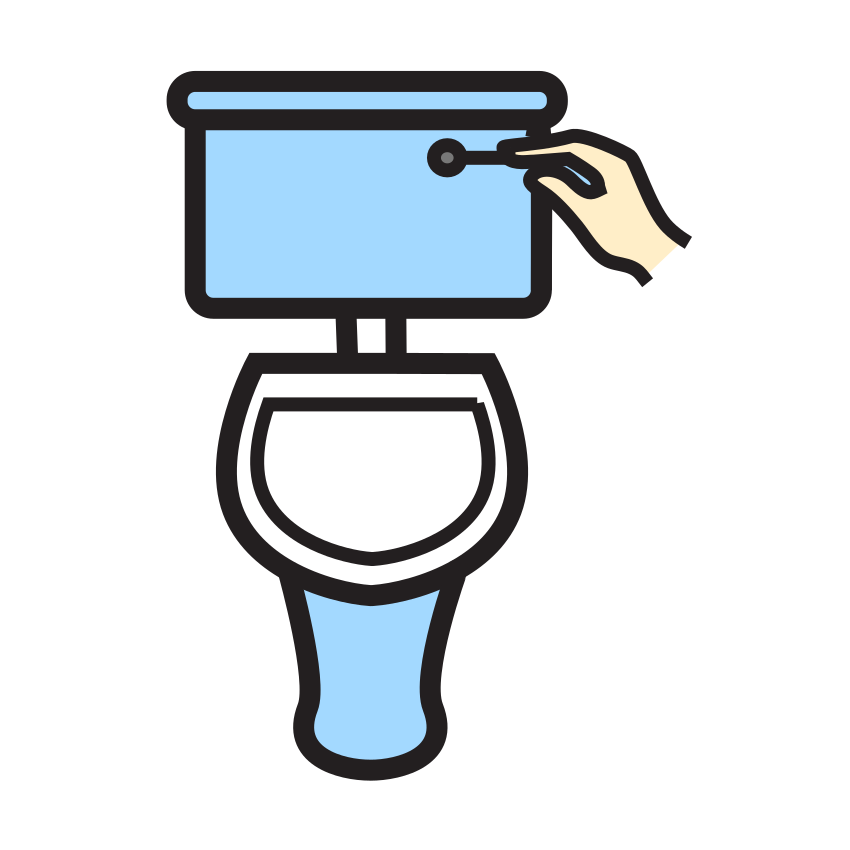
How to use it
Choose how often to try. Start with what feels doable, like every 30 minutes, and stretch it out as things click.
Press Start reminders. When it’s time, you’ll hear a chime and see a big Potty time! screen.
Tap Went, Tried or Not now. The next reminder starts right away, and today’s counts add up underneath.
If your child likes seeing progress, mark each success on a potty sticker chart too.
Questions parents ask
How often should we try?
There’s no single right answer. Many families start around every 30 minutes, then make it longer as their child begins to notice on their own. If your child’s doctor suggests something different, go with that.
Will it remind me if I switch tabs or lock my phone?
In another tab it keeps time and still chimes. You can also press Notify me too for a notification, where your browser allows it. A locked phone may hold the sound until you unlock it, so keep the page open with the screen on if you can.
Are the counts saved anywhere?
Only in this browser, on this device. It keeps today’s numbers for Went, Tried and Not now, with no names, and starts fresh the next day. Nothing is sent to us.
What does Not now do?
It starts the next reminder without counting a try. Some moments just aren’t the right one, and that’s fine. Try again at the next chime.
Read it with a story
This is a simple visual support for everyday routines, not a therapy or a treatment. If your child works with a teacher or therapist, they can tell you how it fits with what they already do. Picture symbols: Mulberry Symbols, CC BY-SA 4.0.